AIResumeChanger
Use your AI. We handle the workflow.
Google Gemini: Getting an API Key
Overview
Google provides access to Gemini via Google Cloud / AI Studio. Use the links and steps below to obtain a key and configure the app.
Google often offers a free trial for new accounts
Use that account to create and test your Gemini API key.
Steps
Step 1
Step 2
Step 3
Step 4
Step 5
Step 6
Step 7
Screenshots
The screenshots below follow the same order as the steps above. Files are named 1.png, 2.png, and so on.
Step 1: Sign in to Google Cloud or AI Studio. Google often offers a free trial for new accounts.
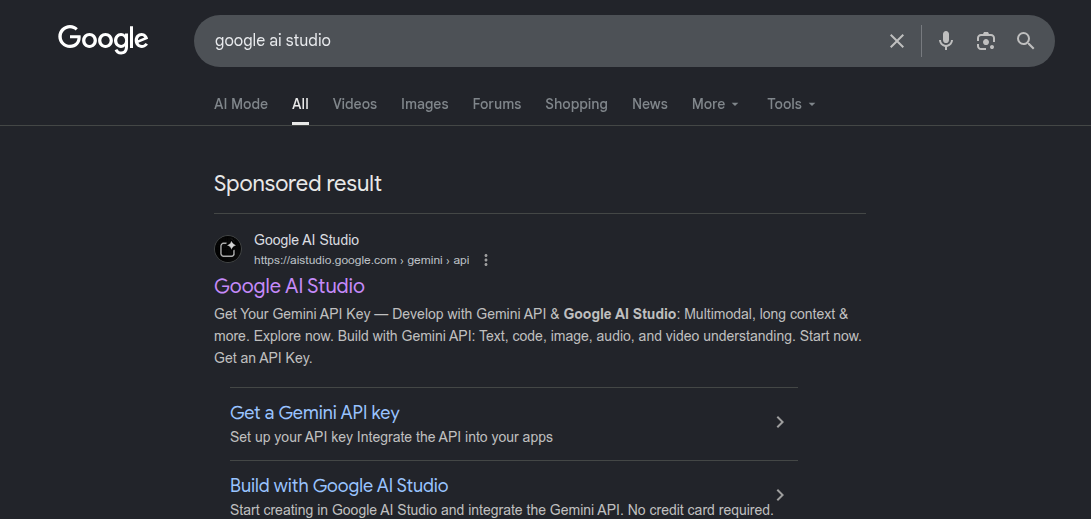
Open Google AI Studio and sign in with your Google account.
Step 2: Enable the Generative AI (Vertex AI / AI Studio) APIs in the Cloud Console.
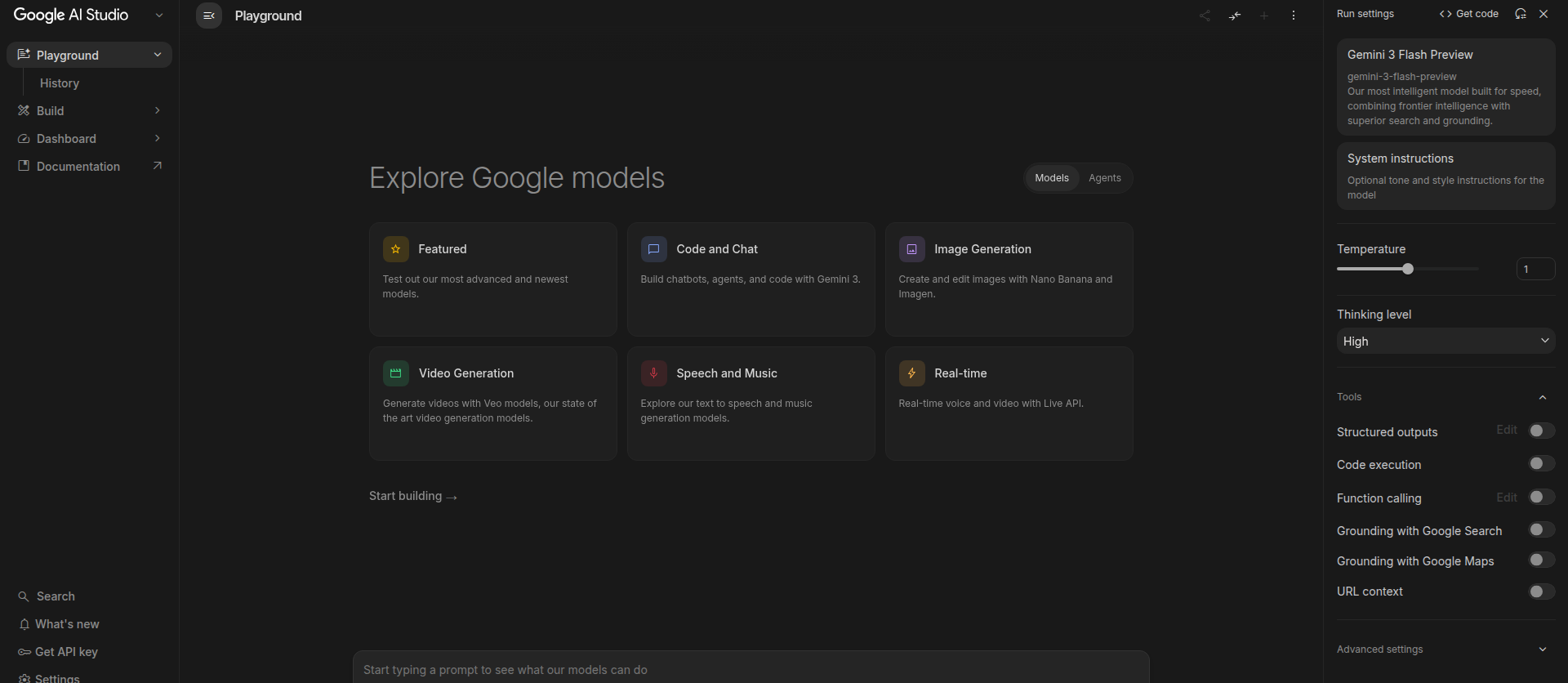
Enable the Gemini-related APIs in Google Cloud.
Step 3: Go to APIs & Services → Credentials and create an API key.
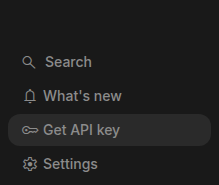
Create a new API key in the Credentials area.
Step 4: Copy the generated key before leaving the page.
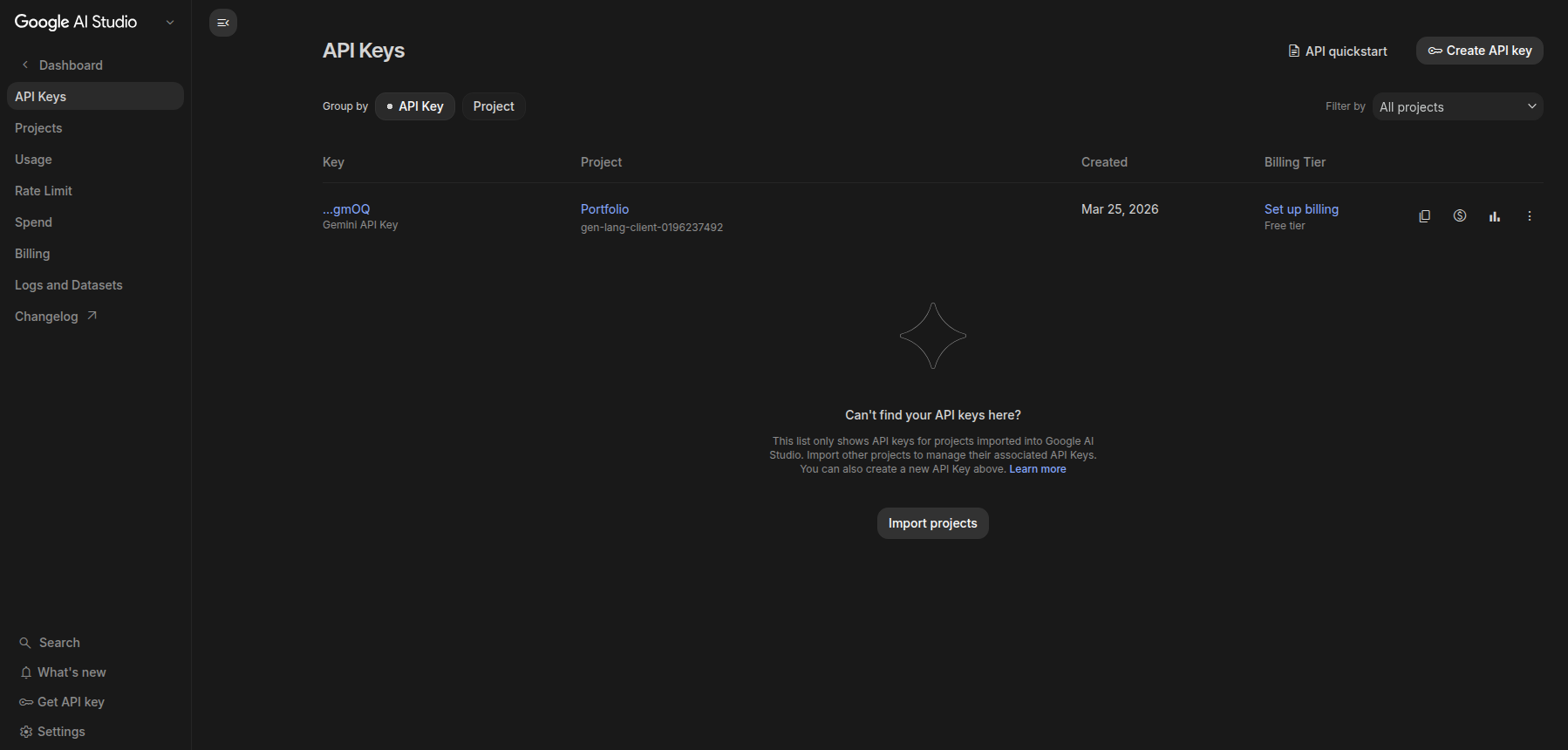
Copy the generated Google API key.
Step 5: Open Settings and select Google Gemini as the provider.
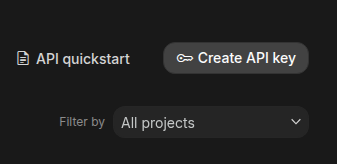
Switch the app provider to Google Gemini.
Step 6: Paste the key into the API Key field.
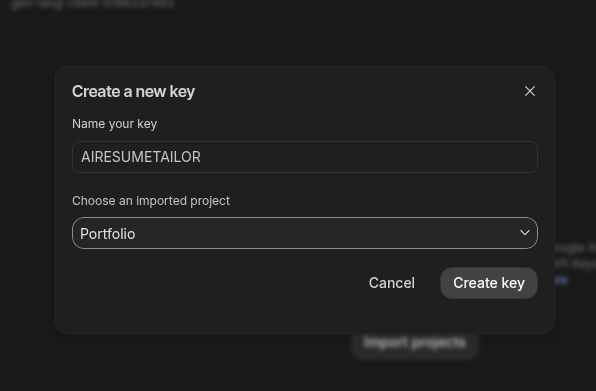
Paste the Gemini key into the app field.
Step 7: Save the settings so the app can use the key.

Save the settings to finish setup.